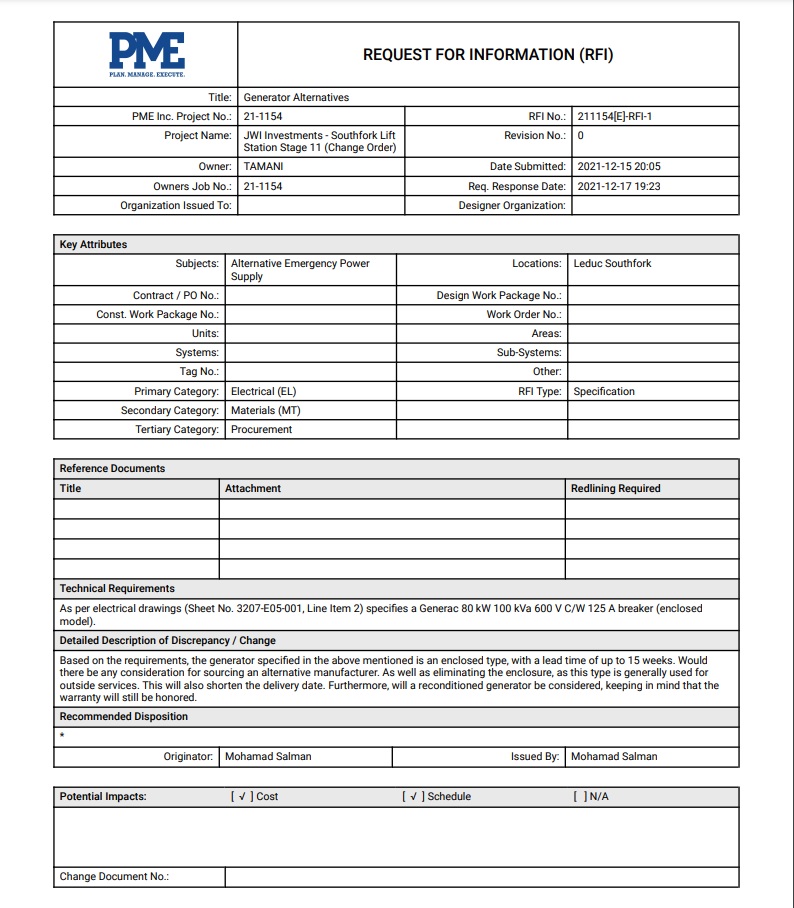
Export a RFI as PDF
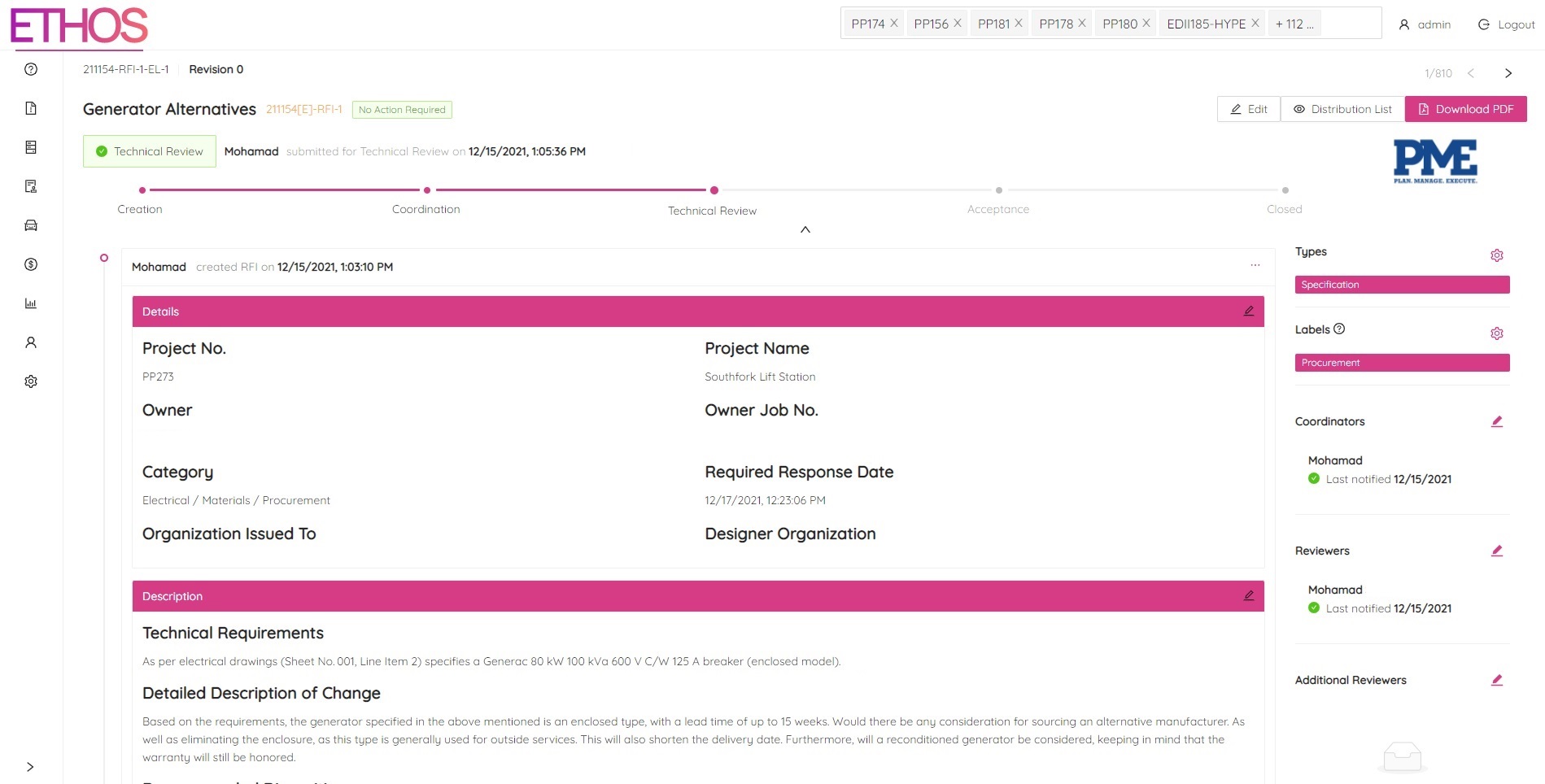
ETHOS makes exporting a RFI to PDF as easy as a click of a button. Simply navigate to the RFI you would like to export and click the "Download PDF" button located at the top right of the page.
A download should automatically start in your browser. Once the PDF is downloaded simply open the file to view your RFI in a print-friendly PDF format.